EchoText Update
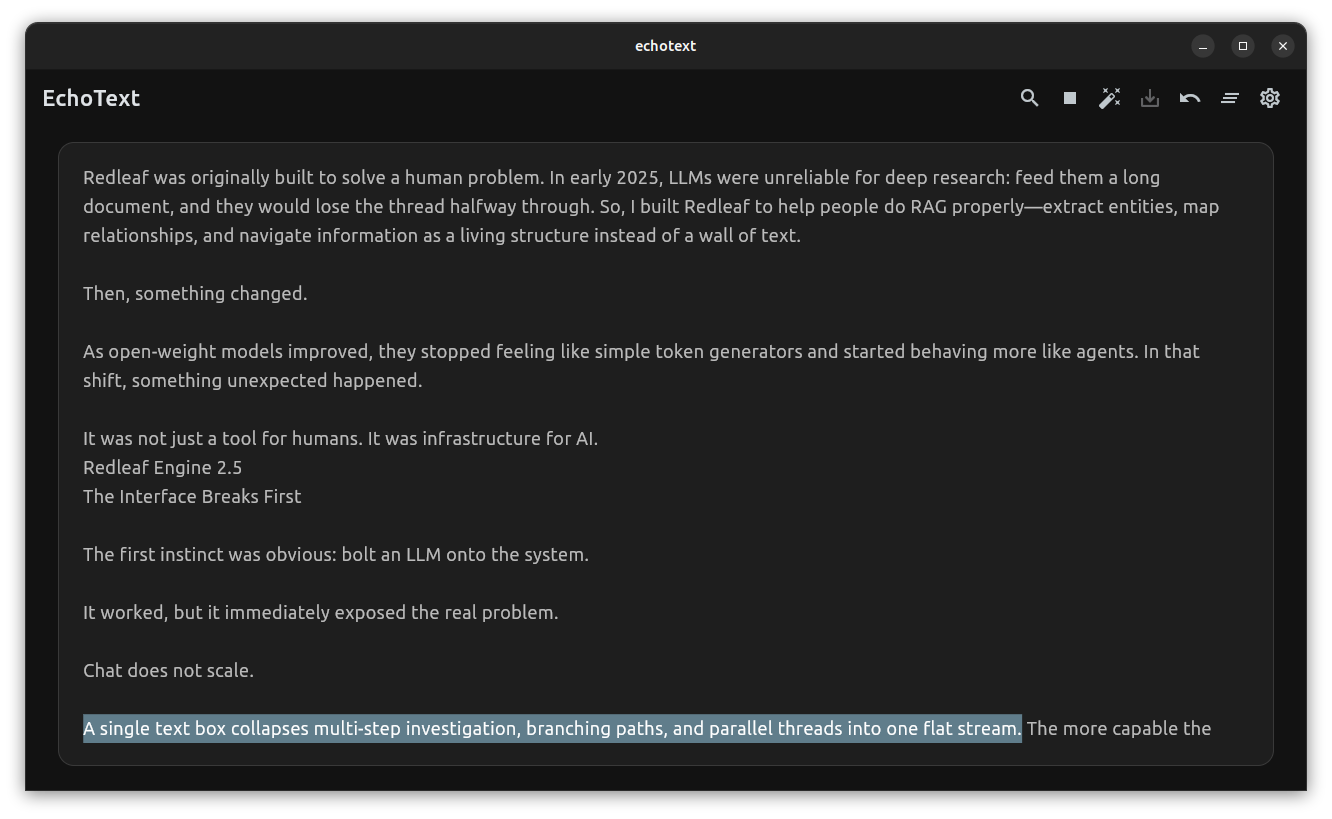
Updated Screenshot April 29 2026
Text-to-speech has taken a massive leap this decade. We’ve gone from digging through obscure Tacotron papers to listening to neural voices that are nearly indistinguishable from human narration.
There’s just one problem: the best tools are usually locked behind a paywall.
There are open-source, local alternatives—but they tend to be difficult to set up and even harder to integrate into a daily workflow. That gap is what led me to build EchoText.
At its core, EchoText is built around Piper. It’s not the most polished TTS system out there, but its local-first philosophy and simplicity make it incredibly compelling.
Why EchoText Exists
This project started with a simple moment: staring at a massive wall of text and realizing I didn’t want to read it—I wanted to listen to it.
Not as a robotic voice, but as something closer to an audiobook—something I could absorb passively in the background.
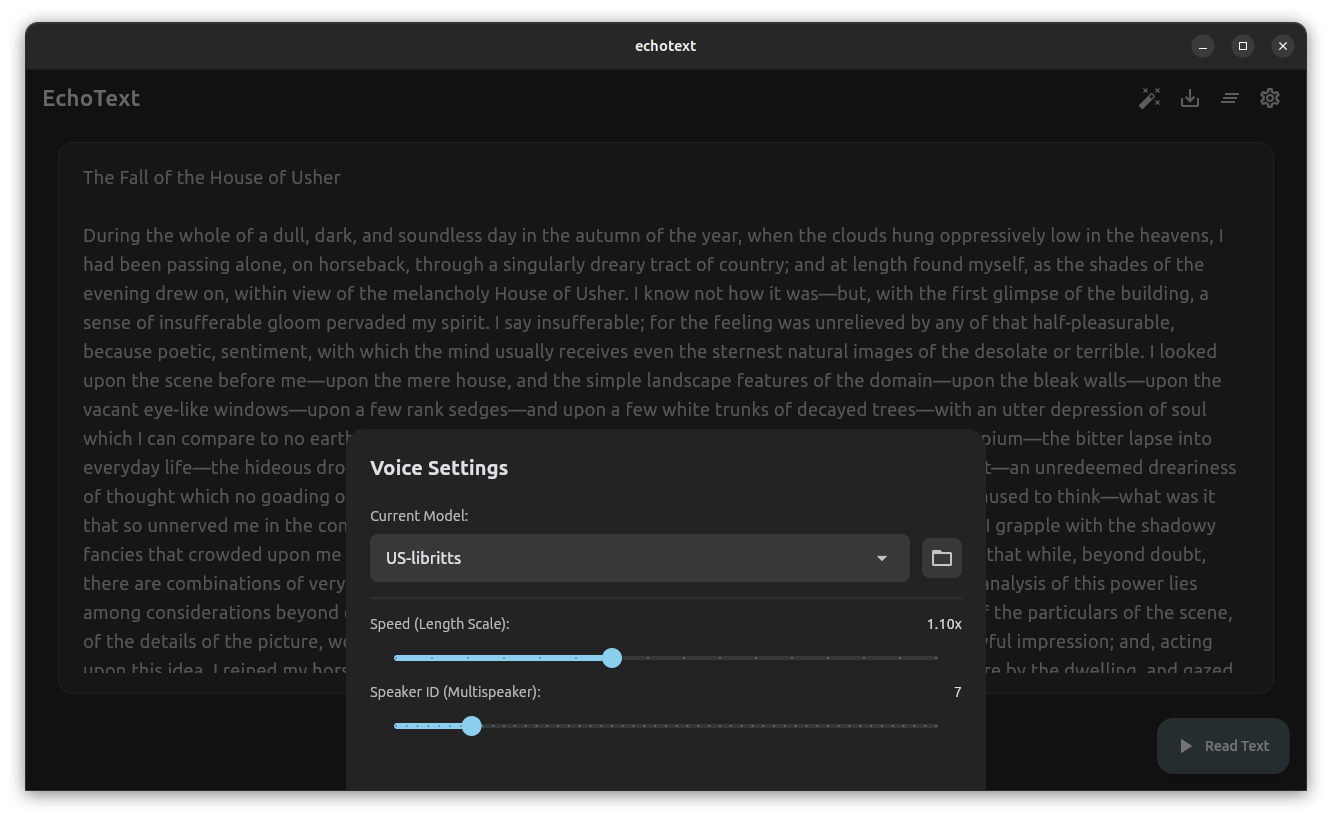
The EchoText interface, featuring dynamic voice selection.
Streaming Thought
When you hit “play” on a long document, waiting for a progress bar kills the experience.
EchoText now streams text into Piper incrementally. Instead of generating the entire audio upfront, it processes the document in chunks—so playback starts almost immediately while the rest continues rendering in the background.
As it plays, each sentence is highlighted in real time. You can click anywhere in the text, and playback jumps instantly to that point.
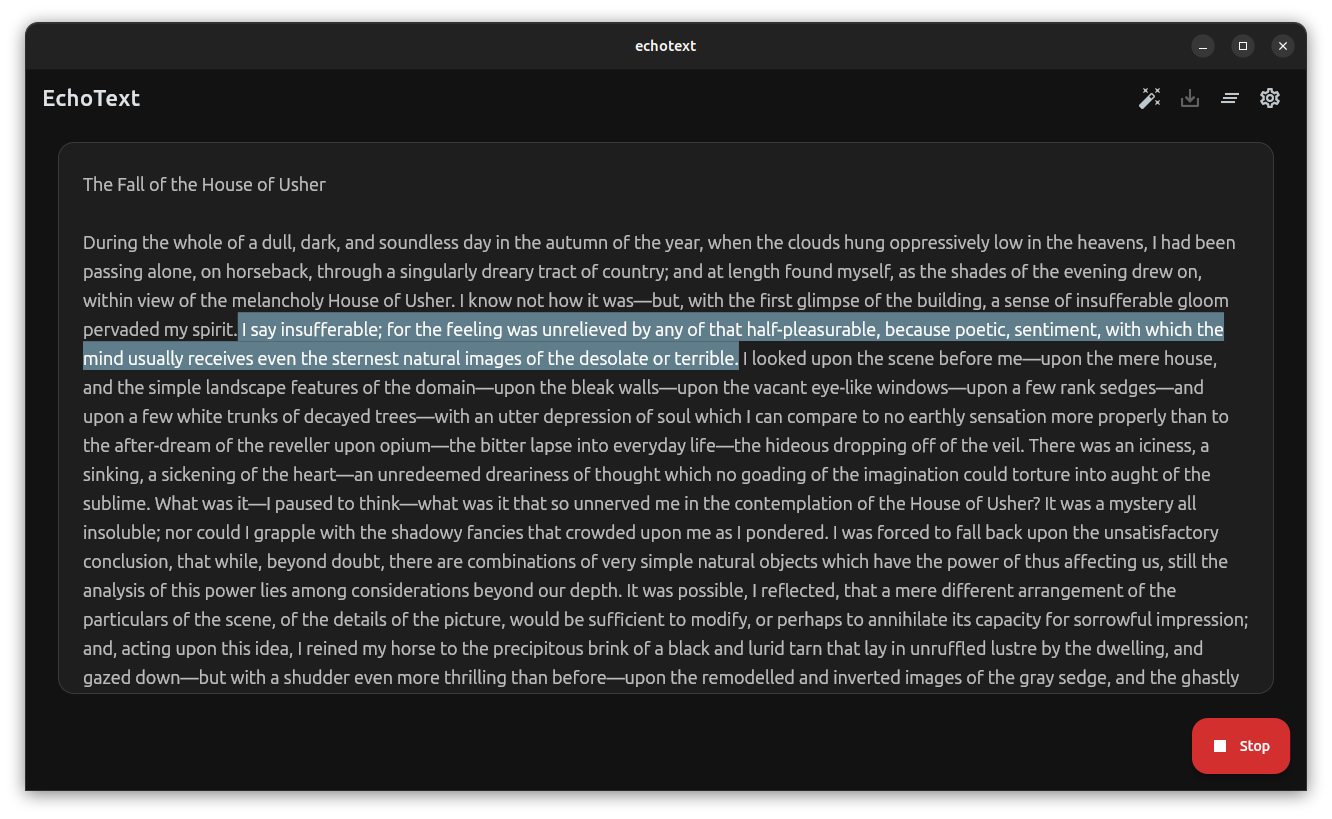
Text is highlighted sentence-by-sentence as it reads, allowing for interactive playback.
The Bigger Goal: Audiobooks for Redleaf
The real goal behind this update was bigger than streaming.
I wanted full document exports—complete audiobook-style output with perfectly synchronized subtitles.
Not just a .wav file, but a matching .srt.
To make that work, EchoText calculates precise timing directly from WAV headers, sentence by sentence. No external transcription. No guesswork. Just deterministic timing stitched together into a clean subtitle track.
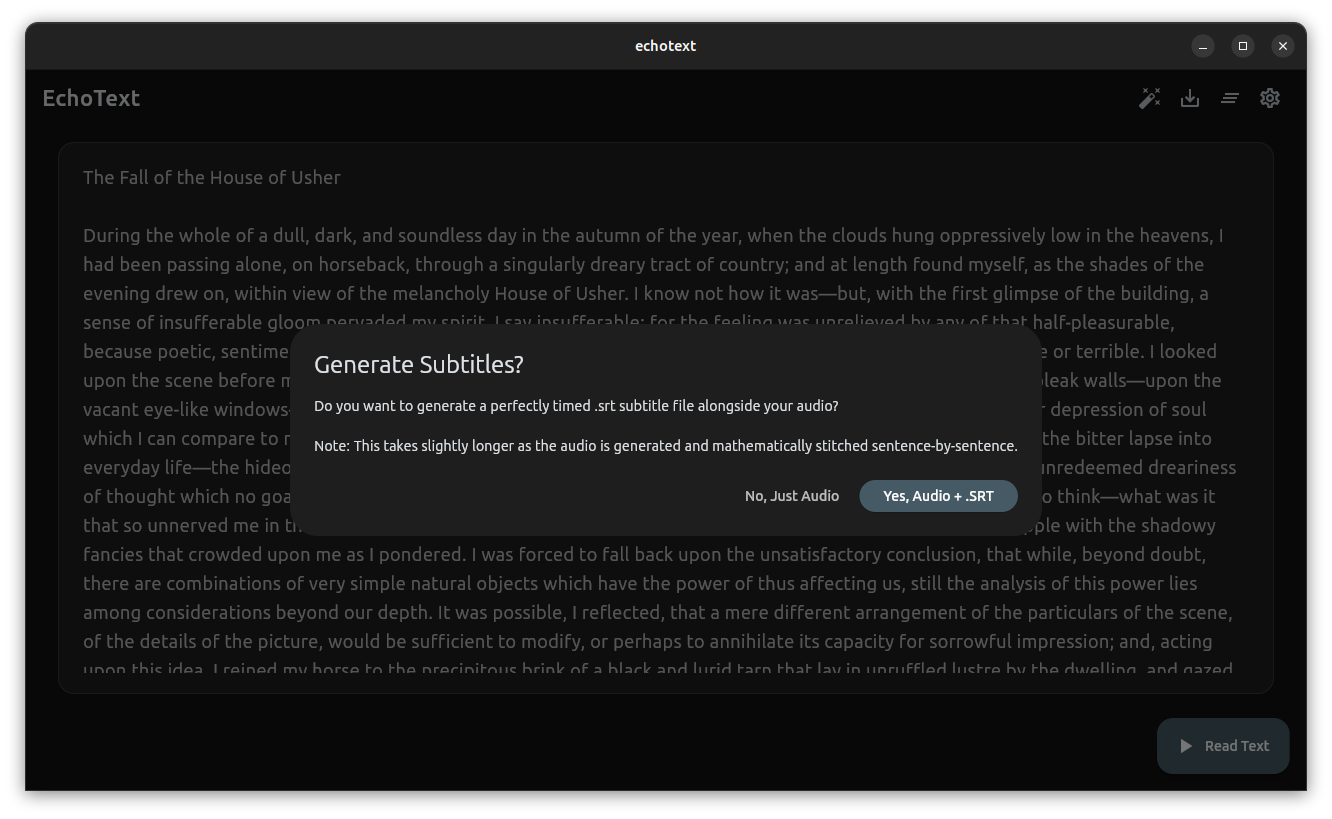
Exporting the generated audio alongside a perfectly timed .srt subtitle file.
Closing the Loop
That’s where everything connects.
You can now:
- Generate a private, local voiceover of any document
- Export it with perfectly synced subtitles
- Drop it directly into Redleaf’s SRT viewer
The result is a seamless loop: text → audio → explorable knowledge.
Not just scanning information—but actually absorbing it.
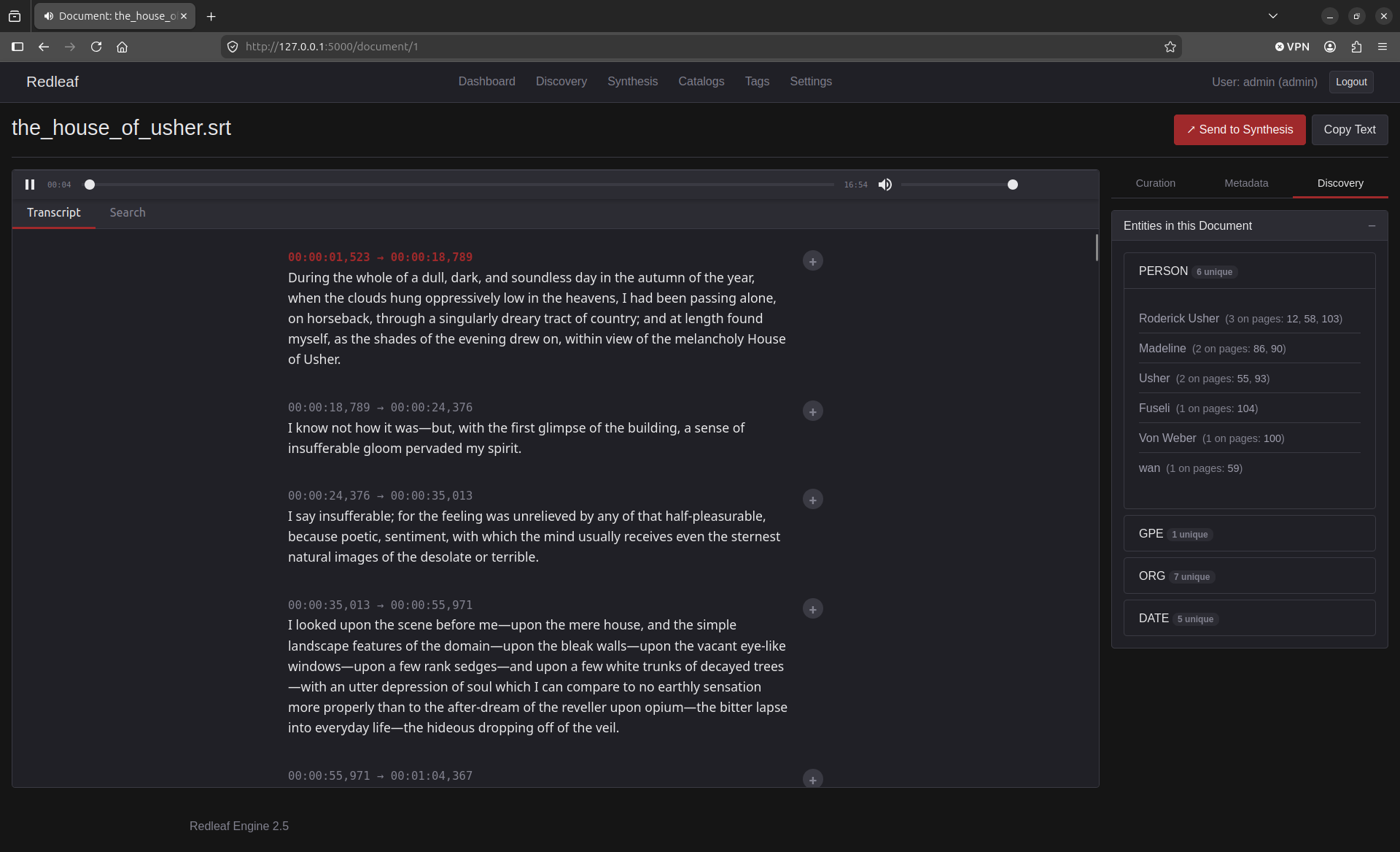
Follow along and take notes as the audio and SRT stay perfectly in sync inside Redleaf’s media viewer.
Small but Important Details
A few quality-of-life improvements round things out:
- A “Magic Wand” tool strips Markdown artifacts (
**bold**, headers, etc.) so speech sounds natural - Custom voices are plug-and-play—just drop them into a folder
- The entire system stays local and self-contained
You can find the repository and download the latest release here:
https://github.com/nathanfx330/echotext