Node Writer
My first word processor was ClarisWorks on Mac OS 8 in the late nineties. Since then, nothing has changed. We are still staring at a fake digital piece of paper. After years of Microsoft Word, LibreOffice, and Google Docs, the core experience remains exactly the same. Moving text with a cursor is a tedious, character-by-character chore, with no simple way to rearrange blocks of writing. Writing is about abstracting ideas, exploring structure, and developing details. We get so caught up in modern UX capabilities that we forget to innovate. Too often, we don’t reinvent the paradigm, we just digitize it.
So I made Node Writer. It is not just a word processor; it is an engine that lets you build your outline, rearrange your thoughts, and experiment with different versions of your work all within a single two-dimensional canvas. Each paragraph exists as a node that you can move, edit, or connect to other nodes. This approach allows you to see your writing as a network of ideas instead of a single line of text. You can focus on the relationships between paragraphs, the flow of your story, and the structure of your argument without losing your place in the process. Node Writer turns writing into a visual and modular experience where ideas are easy to shift, expand, or compress without losing their context.
Structure and write your way. — Nathaniel Westveer, author of Node Writer 1.0
https://github.com/nathanfx330/node-writer
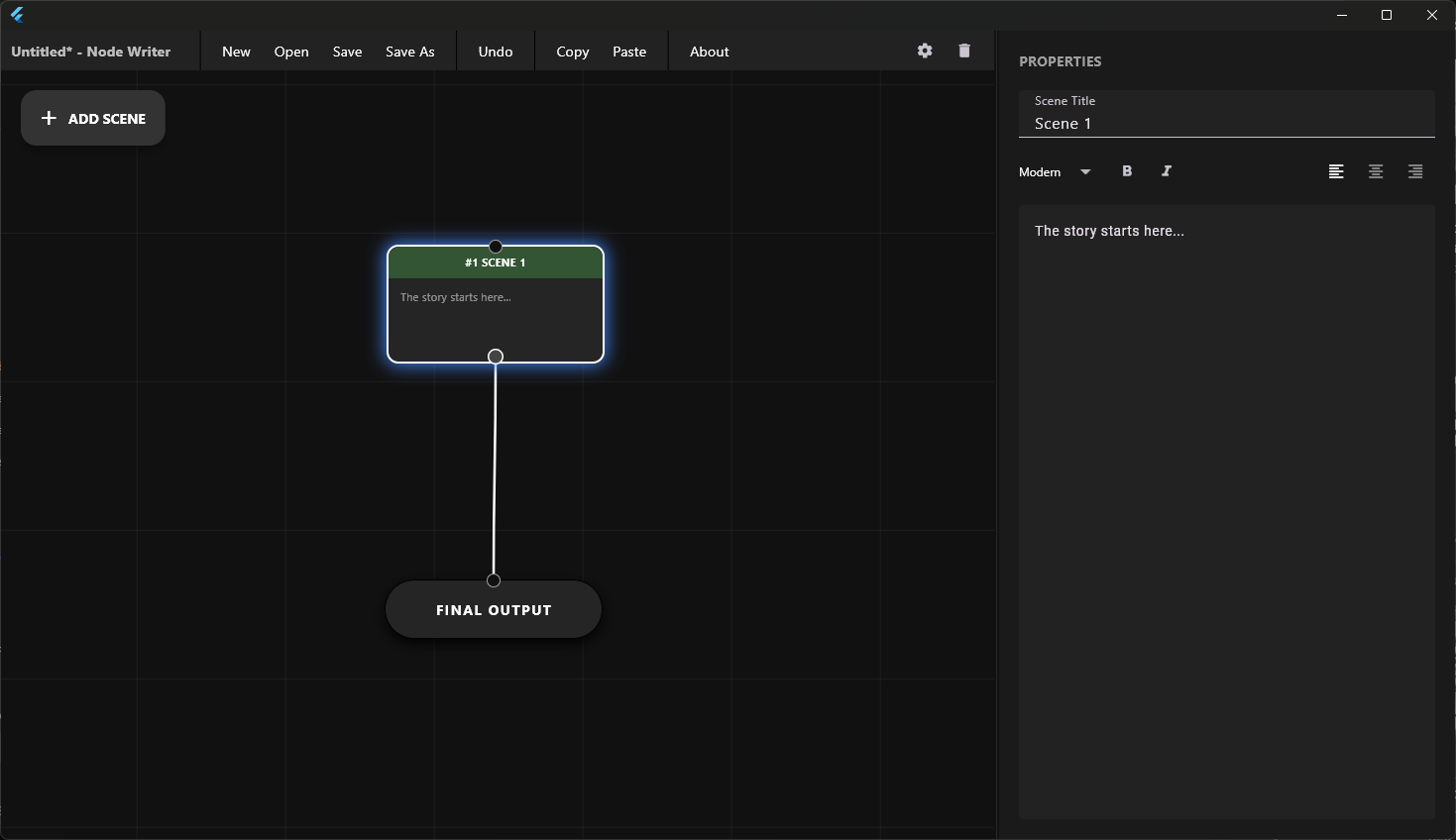
Node Writer interface.
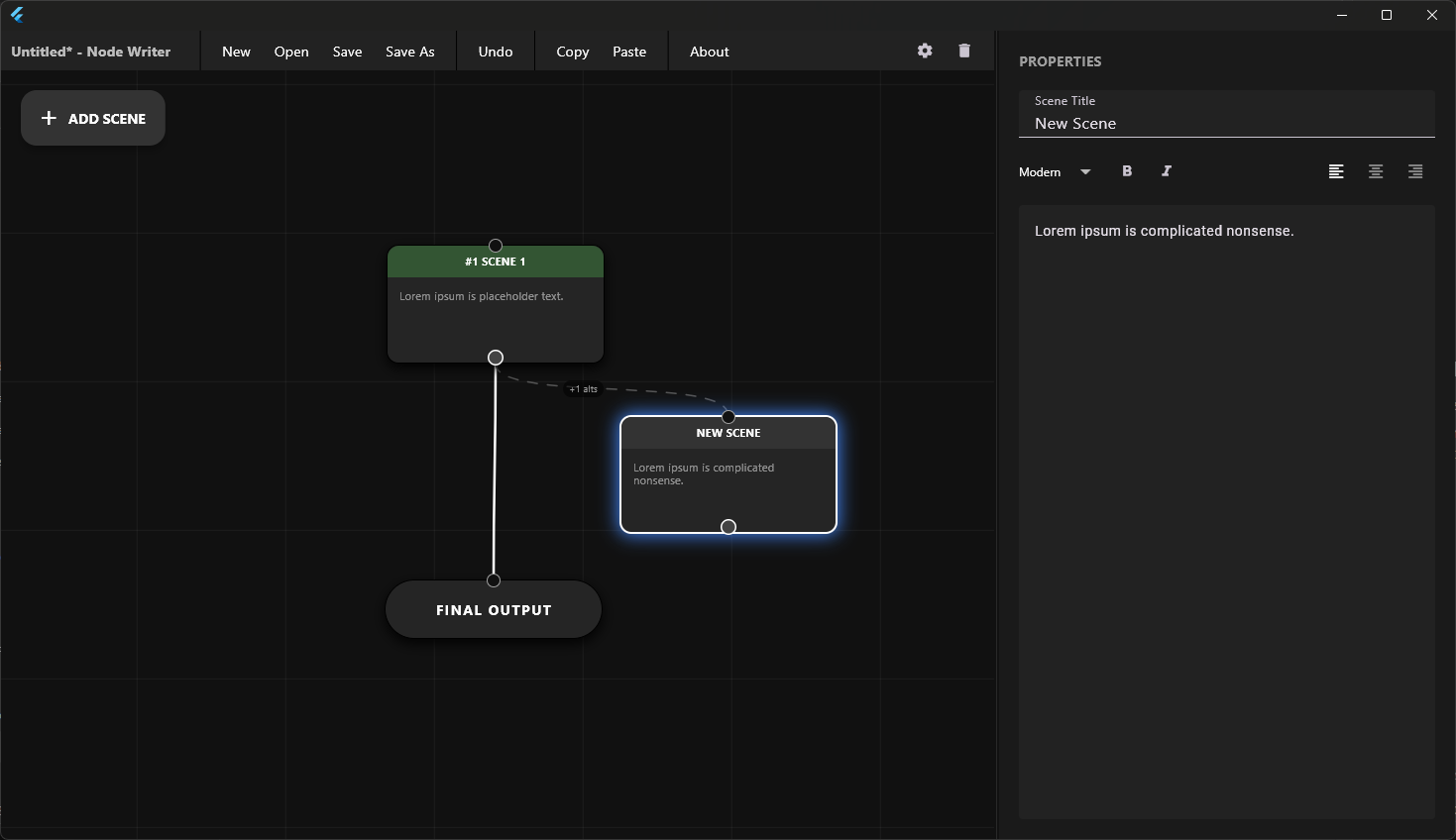
Add nodes to map out your writing.
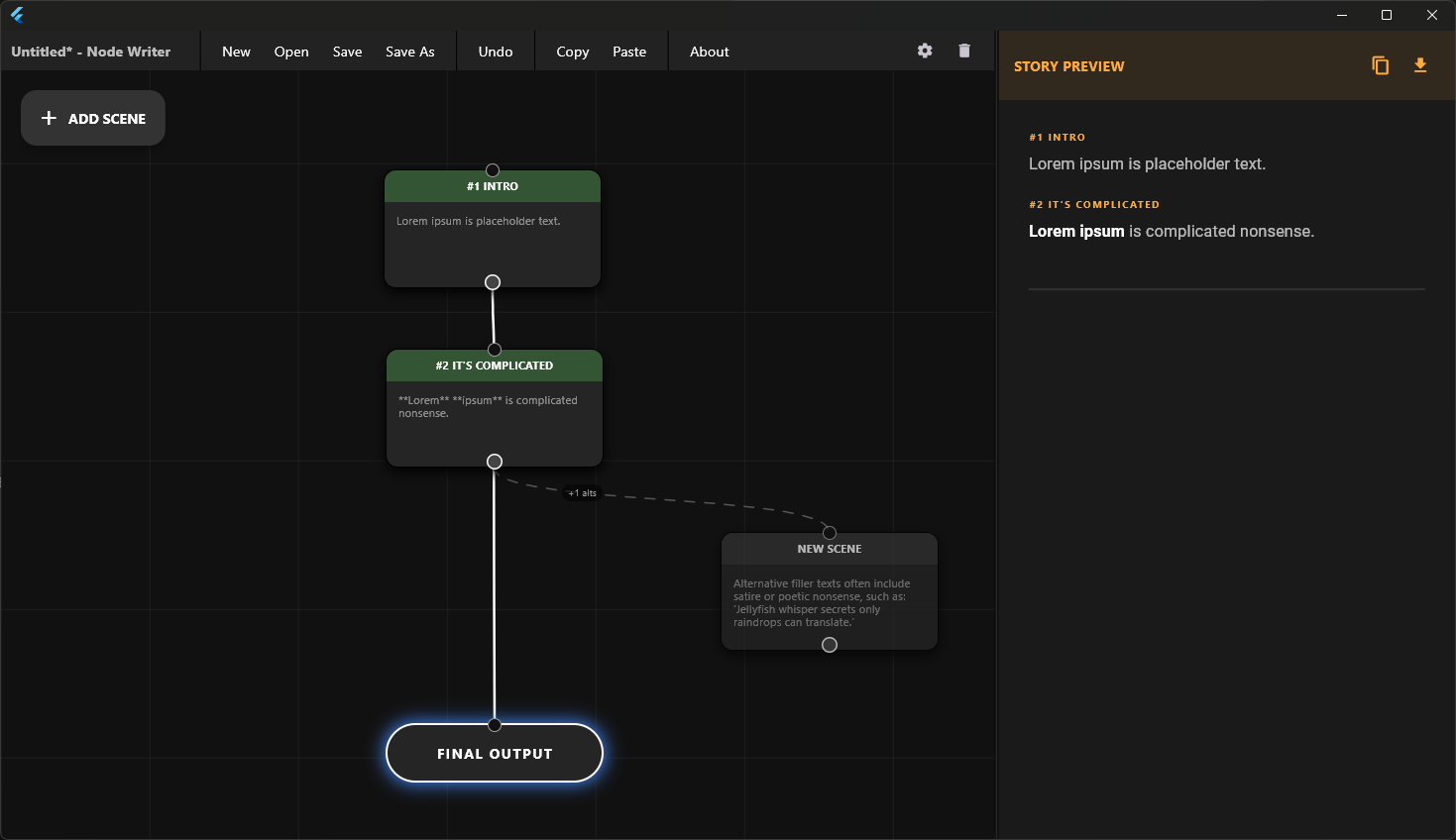
Expand and connect your ideas visually.
Experiment with ideas directly through nodes.
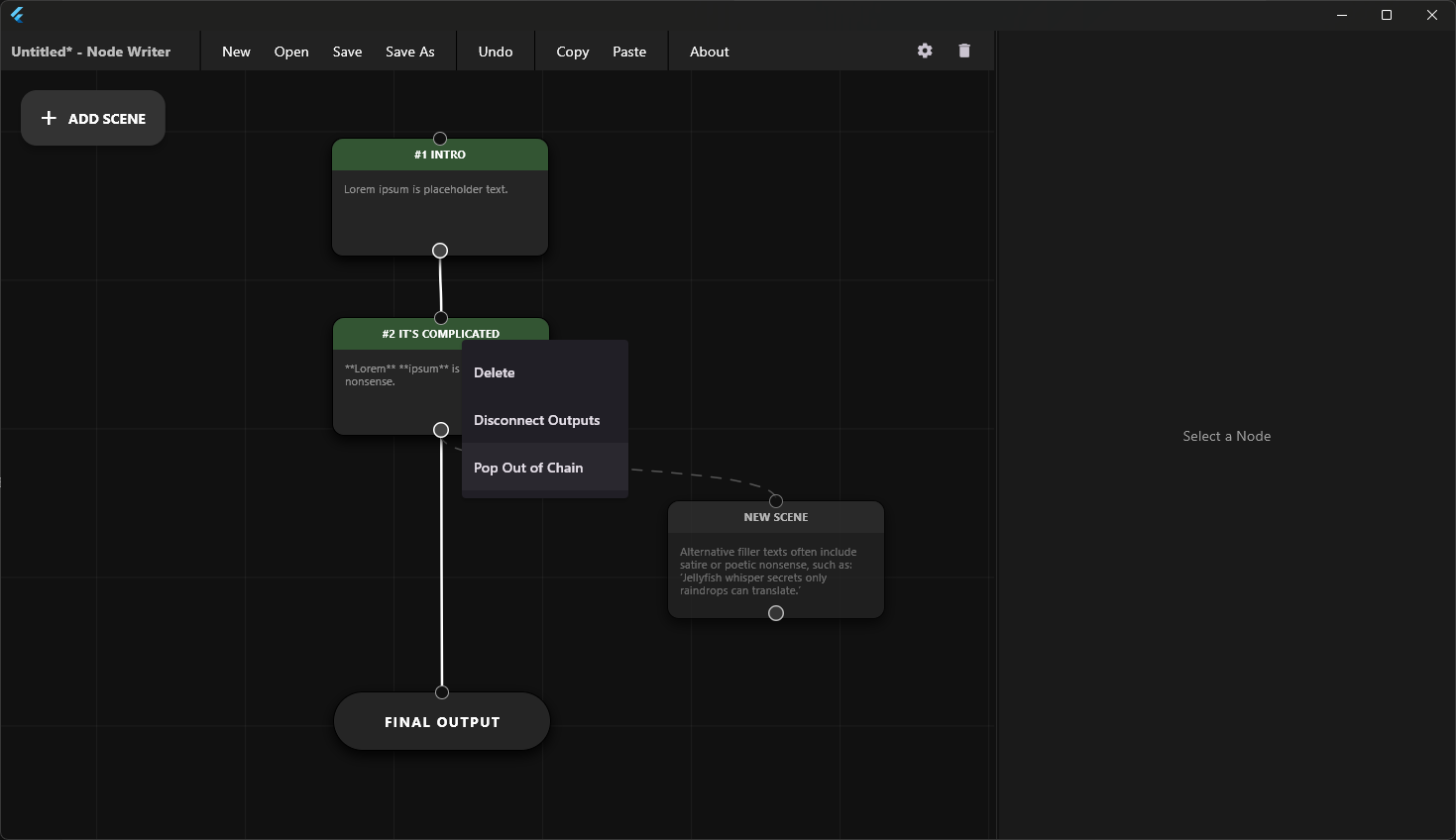
Detach nodes from a chain with a single click.
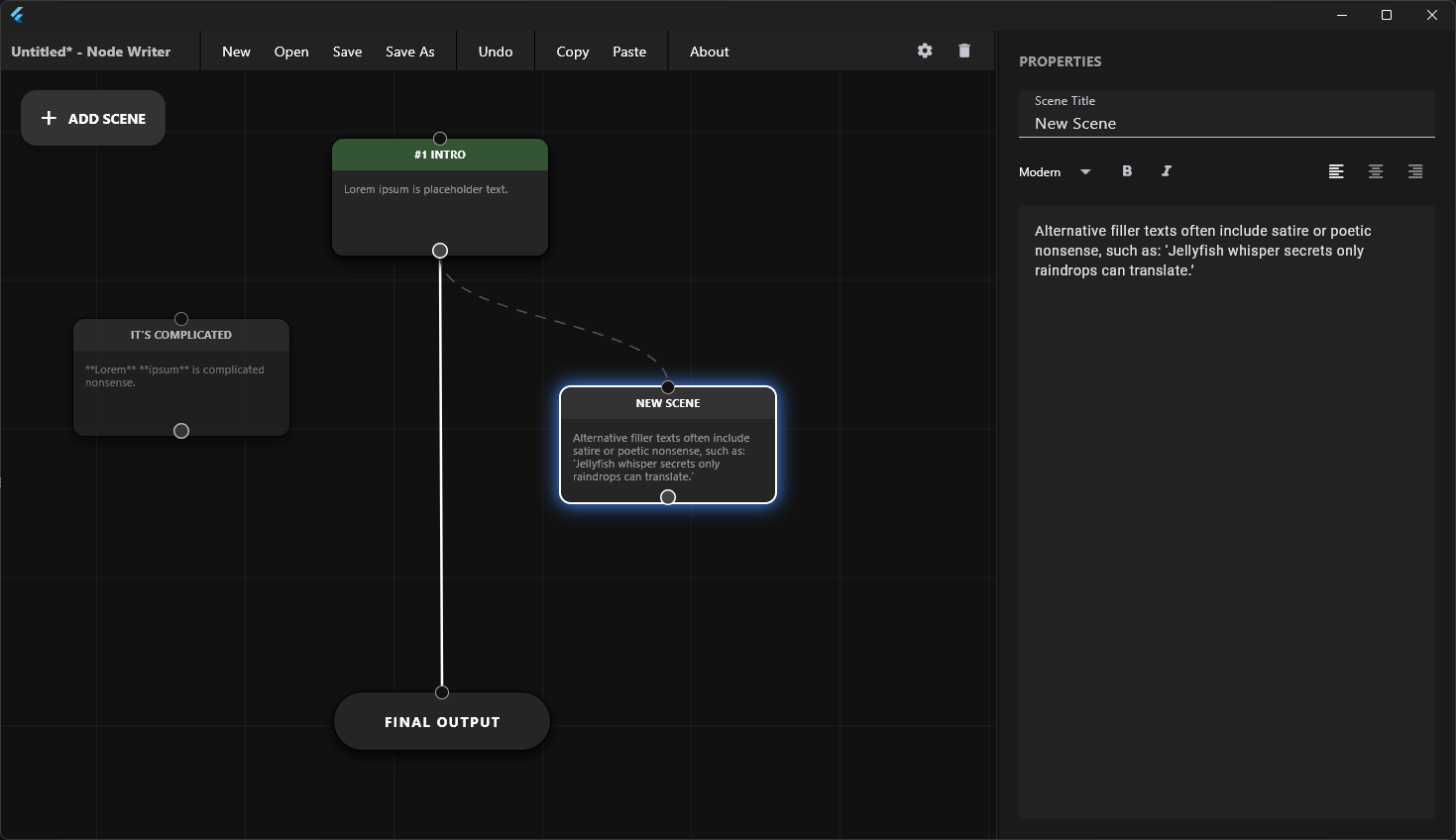
Link new ideas to the final output seamlessly.
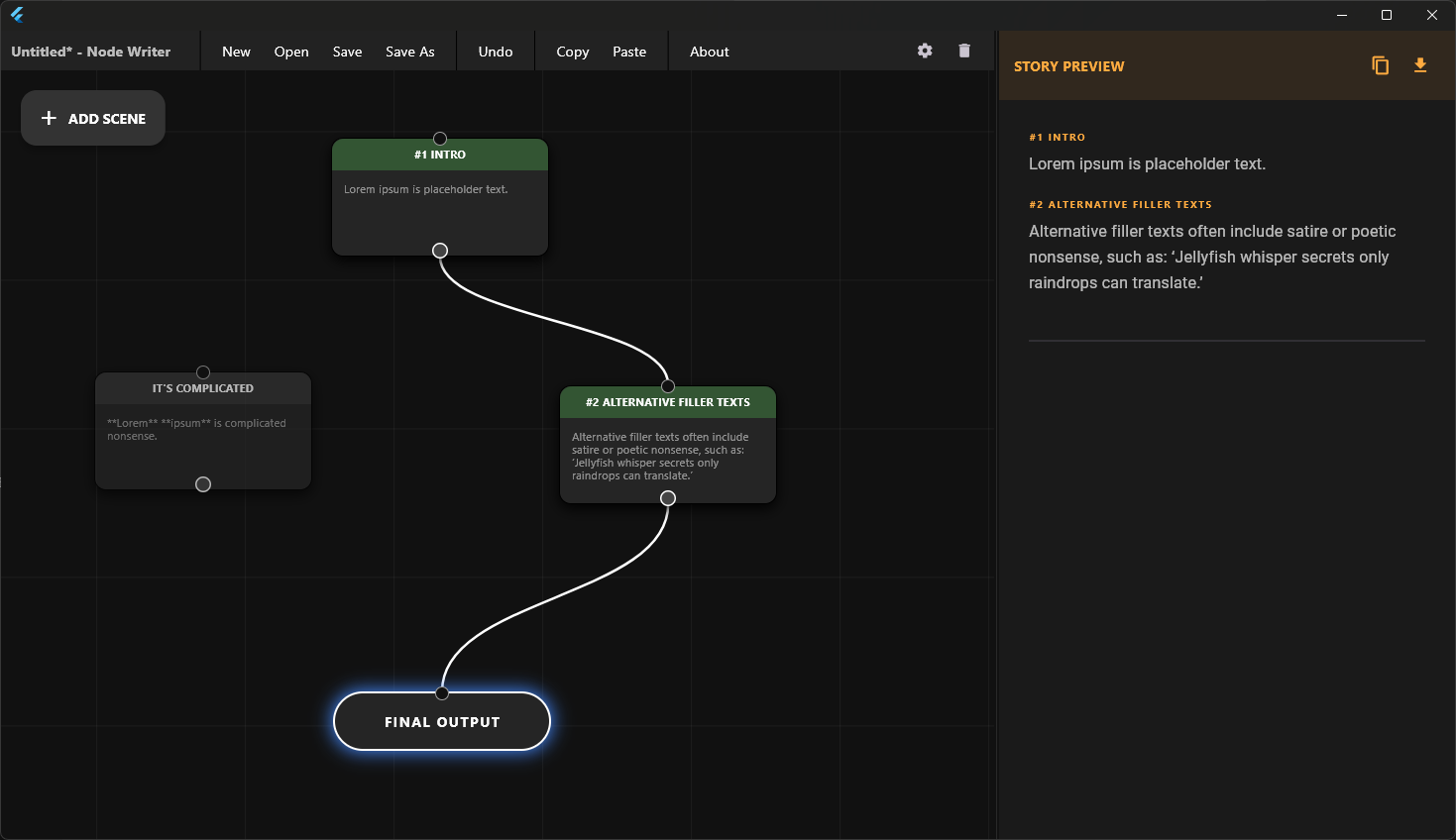
View the full composite in the Final Output node and jump back to any node to edit.
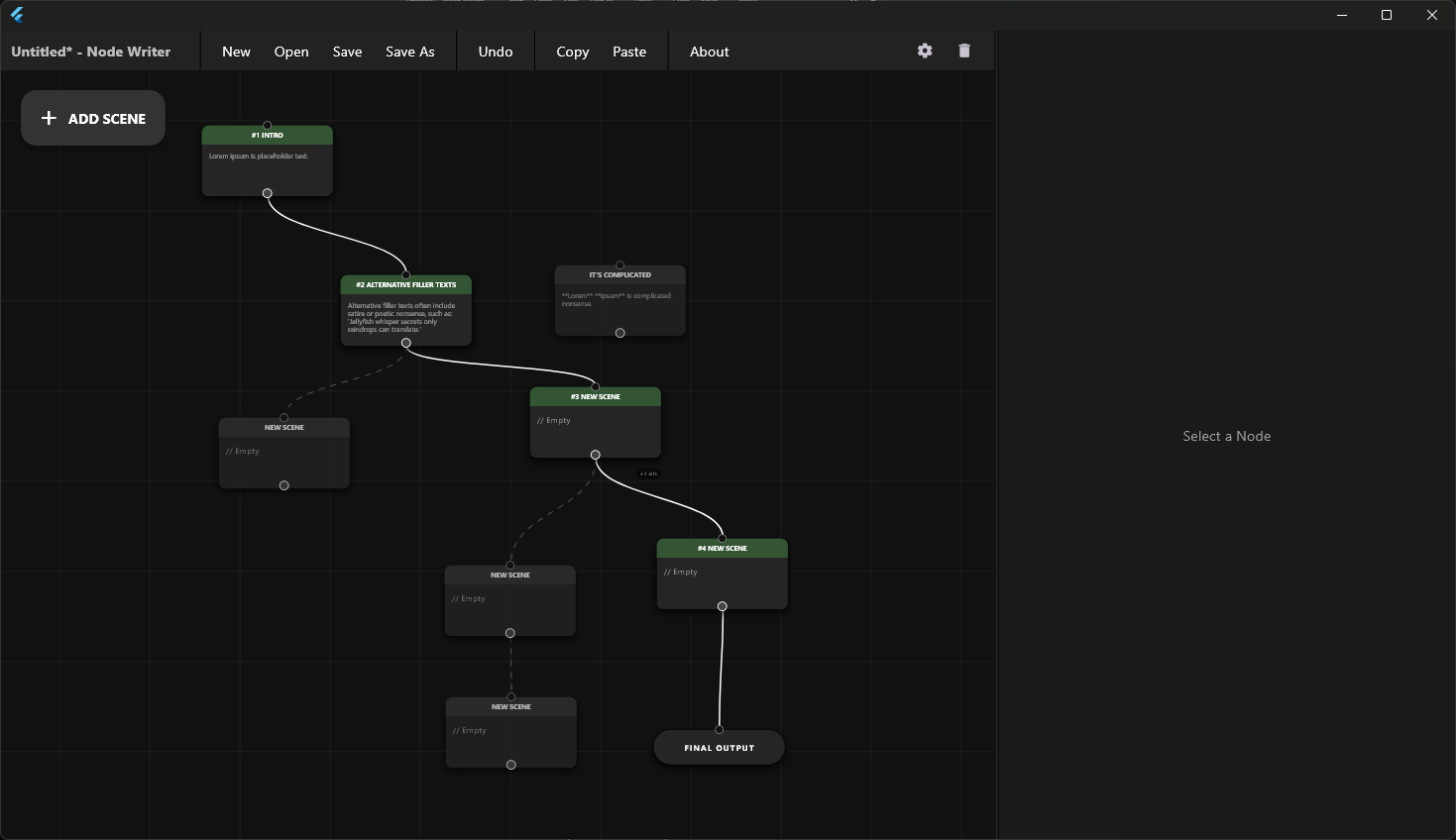
Structure and write freely, your way.